Every app, free for your first 12 months. No credit card needed.
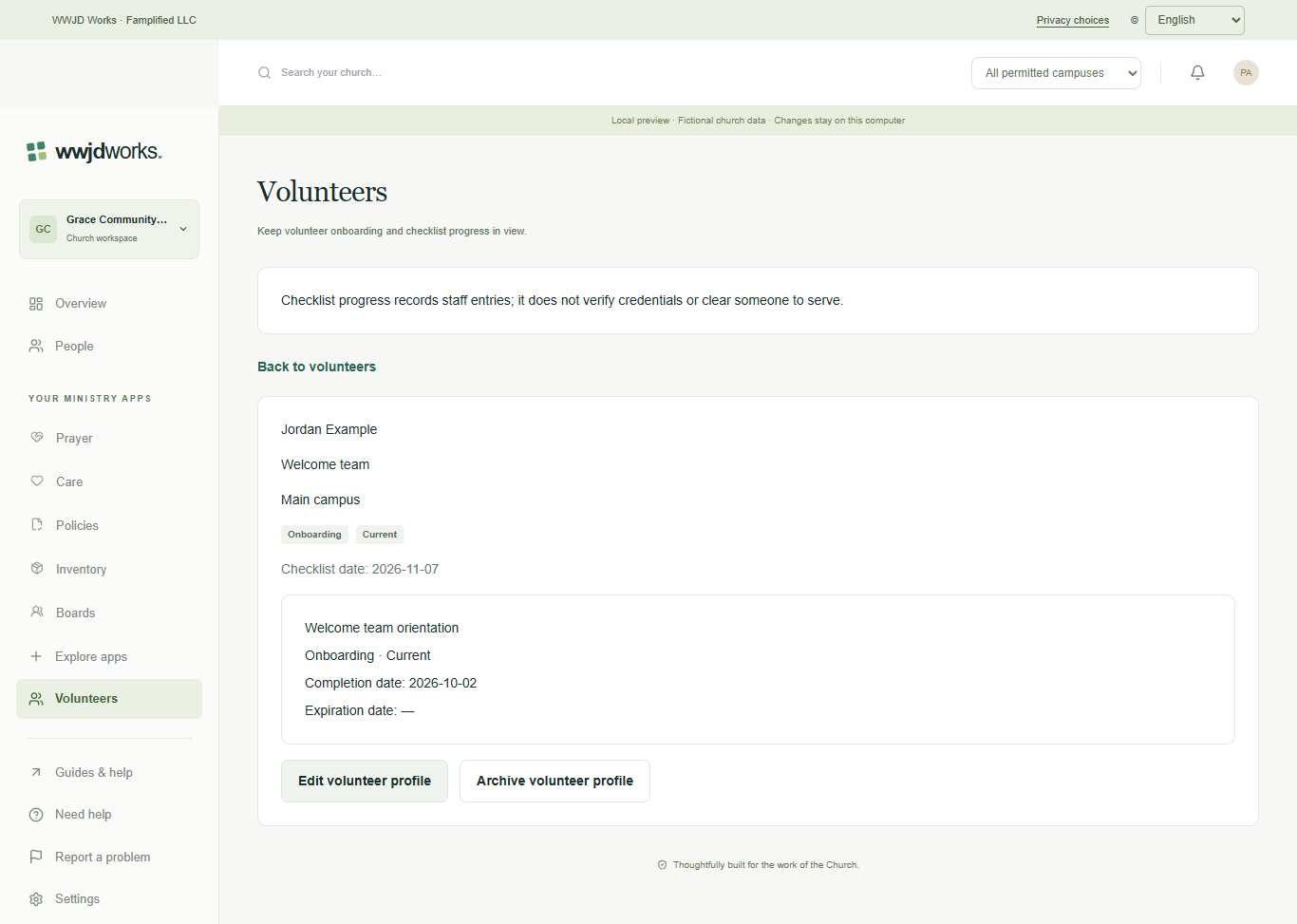
For ministry coordinators and church staffReview a record · English interface shown with fictional training data. Select the image to enlarge.
FROM FIRST STEP TO EVERYDAY WORK
See how it fits your team.
1
Open Volunteers
Volunteers is available to authorized staff when selected for their church. Open the correct church and Volunteers. Staff need access to both Volunteers and the linked People record at the profile campus. Companies can group churches, but a company role does not grant access to church records.
2
Select an active person and campus
Choose Create volunteer profile. Select the profile campus, search People and choose an active person associated with that campus. Add a missing person in People first. Enter the ministry and optionally a coordinator with current access. Changing campus or search clears the person selection. A profile does not create an account or grant permission to serve.
3
Create and review the checklist
Optionally enter a first checklist item and its type, then create the profile. It starts in onboarding. Open Edit volunteer profile to add further items and record completion or expiration dates. The person and campus remain fixed. Each person has one profile per campus, including archived profiles. Saving sends no email and does not change People or communication preferences.
No. Every product uses your WWJD Works account and the same organization workspace. Your team’s roles and permissions determine access.
Can we start with this product for free?
Yes. Founding churches get every available product free for their first 12 months. Plans and limits apply per organization workspace. See simple pricing
Where can our team find instructions?
Every product has a learning hub with step-by-step guides, actual screenshots, and a captioned video. The Guides & help link inside your workspace opens the relevant hub.
Maintain checklists and recover interrupted saves
Understand dates and lifecycle, archive safely, and check uncertain submissions before retrying. Read the guide
One account. A connected toolkit.
These products share your WWJD Works login, organization, permissions, and plan. You can add another product without creating a separate account.