Open Guests in the right church
Choose your church and campus, then open Guests. Use Add guest journey. Each church keeps its own records, even when several churches share a company.
WWJD Guests · Part of WWJD Works
Give each visit a thoughtful next step and a person responsible for following through.
Every app, free for your first 12 months. No credit card needed.
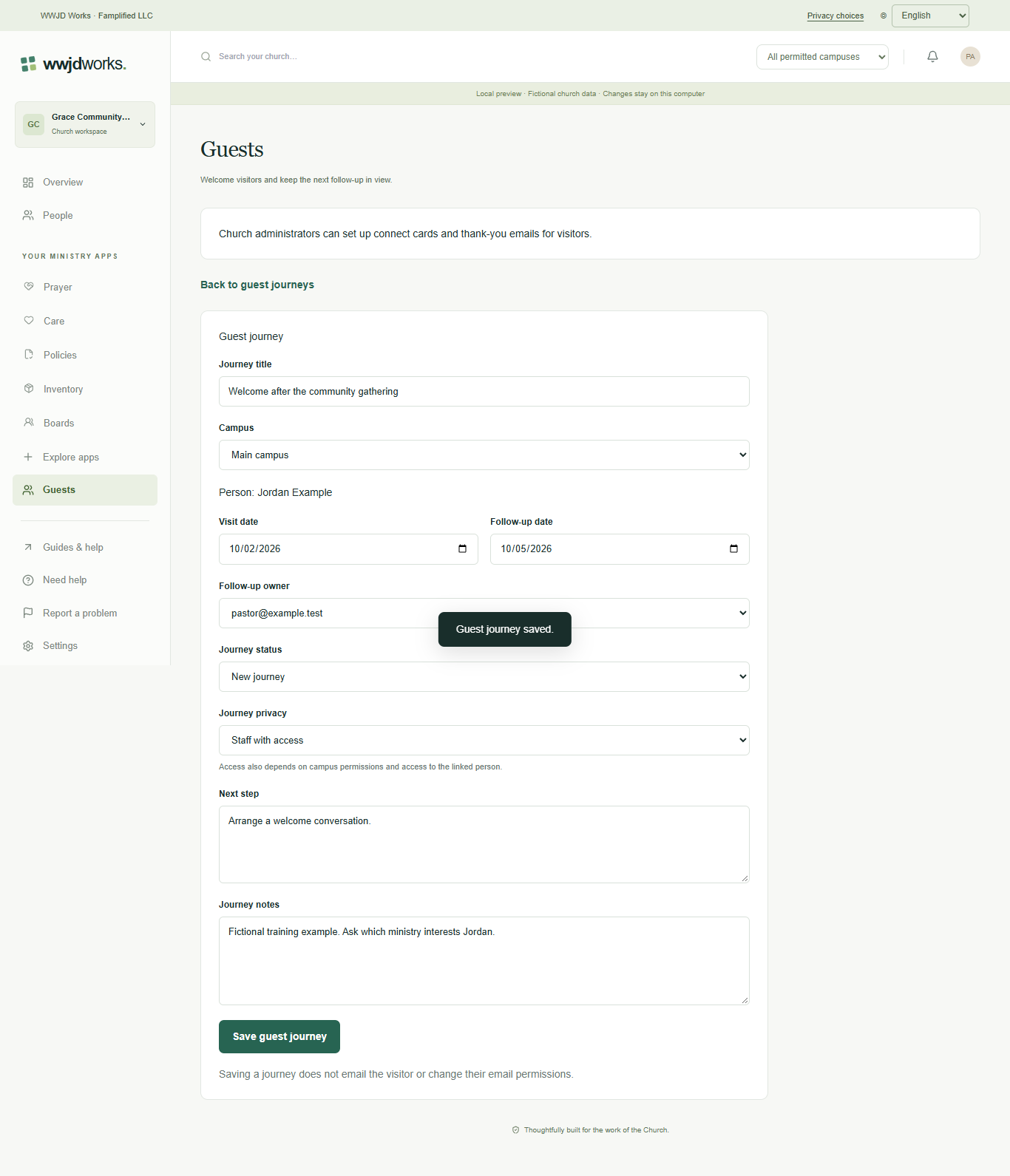
Choose your church and campus, then open Guests. Use Add guest journey. Each church keeps its own records, even when several churches share a company.
Enter a short journey title. Select an existing person associated with the campus; use the People link first if they are missing. Choose a follow-up owner, date and privacy. The owner must already have access to both Guests and that person. Record only the notes the team needs.
Select Save guest journey. Review the saved person, campus, owner and follow-up date. The person and campus cannot be changed in this edit form. Saving never changes the visitor’s email permissions or sends them a welcome message. Staff assignment notices are separate.
Link an existing person, choose a campus and assign the next conversation.
Read the guide Everyday workflowsFind due journeys, record progress and share authorized information carefully.
Read the guideNo. Every product uses your WWJD Works account and the same organization workspace. Your team’s roles and permissions determine access.
Yes. Founding churches get every available product free for their first 12 months. Plans and limits apply per organization workspace. See simple pricing
Every product has a learning hub with step-by-step guides, actual screenshots, and a captioned video. The Guides & help link inside your workspace opens the relevant hub.
Find due journeys, record progress and share authorized information carefully. Read the guide
These products share your WWJD Works login, organization, permissions, and plan. You can add another product without creating a separate account.
Start free